
UPS Battery Guide
External Battery Cabinet for UPS: Extend Runtime with Lead-Acid Batteries
A practical guide to adding a lead-acid external battery cabinet to extend UPS runtime: when it fits, how to size it, and the compatibility and installation checks.
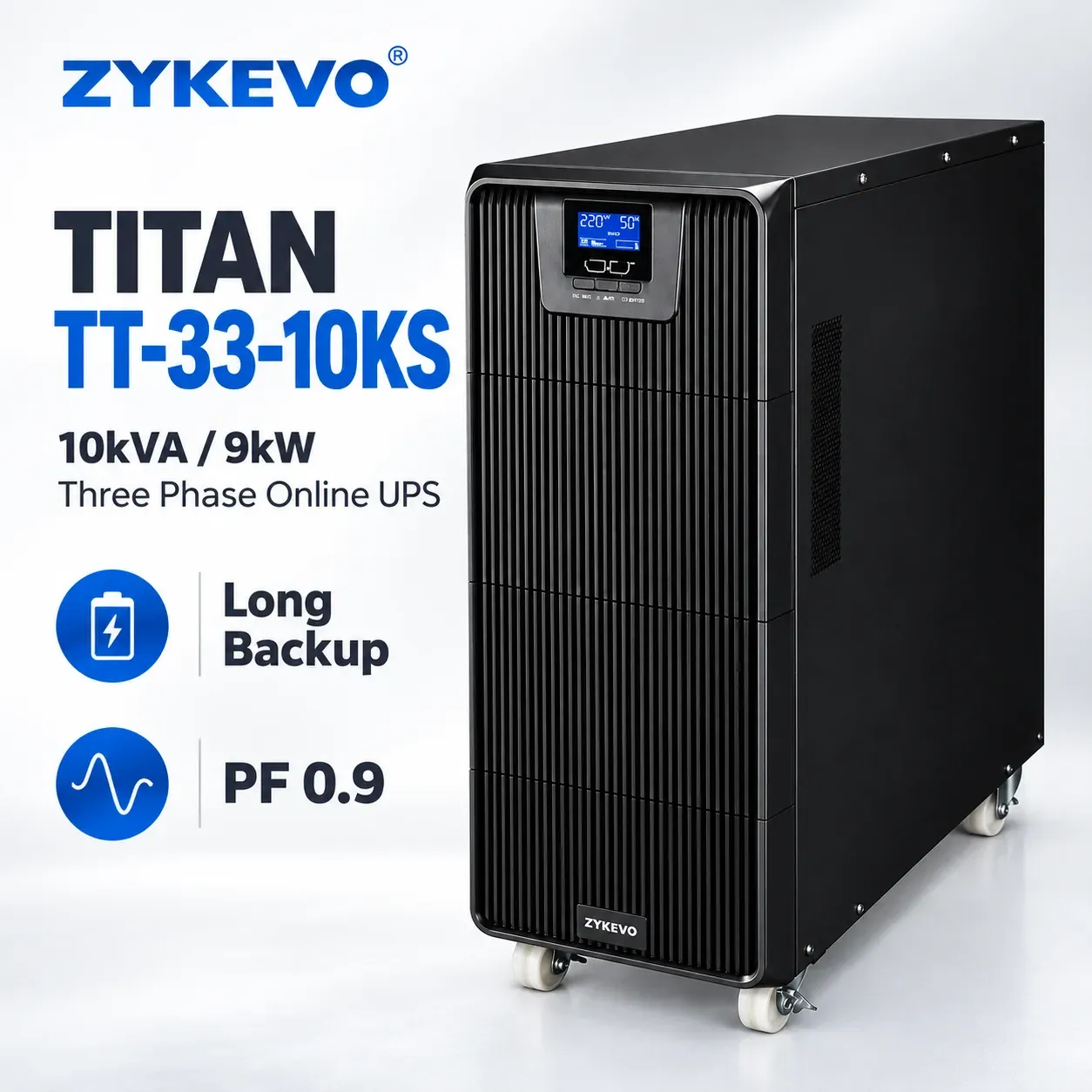
Long-runtime UPS projects usually need more battery capacity than the internal UPS battery can provide. An external battery cabinet adds lead-acid battery capacity alongside the existing UPS, so the site can run longer without replacing the UPS itself. This guide explains when an external battery cabinet is the right choice, how to configure one, what to watch for with long runtime, and which compatibility checks to complete before ordering.
When an External Battery Cabinet Is Usually Suitable
An external battery cabinet is a practical choice when the customer wants a familiar lead-acid battery solution, a lower initial battery cost, and local battery replacement that service teams already know. It fits standard long-runtime projects, existing UPS systems that already use lead-acid battery strings, and sites where space for a cabinet is already available. For these projects, adding a cabinet is often simpler and less disruptive than replacing the whole UPS.
A cabinet can also be the right answer when the load has grown and the existing internal battery no longer covers the required backup time. In that case the UPS itself may still be in good condition. The cabinet extends the runtime while the UPS, its topology and its charger stay the same, provided the compatibility checks below are passed.
How to Configure an External Battery Cabinet
Start with the UPS and the Required Runtime
Before choosing a cabinet, collect the UPS model and topology, the real load, and the required backup time. An offline UPS is normally used for small loads and short runtime, so a large cabinet is rarely a good match for it. A single phase online UPS covers small server rooms. For larger sites, a three phase high frequency online UPS or a three phase low frequency UPS may be used, and the cabinet must match the one actually installed. Knowing the UPS type and the real load comes first, because both decide the DC voltage, the charger and the size of the battery string.
The battery string must match the UPS DC voltage window. Count the batteries in series, check the voltage of each battery, and confirm the total string voltage and the number of cabinets fit the UPS. The charger must also be able to recharge the larger battery capacity within the available time. A cabinet that is too large for the charger may recharge too slowly after an outage, even if the runtime on paper looks good.
Size the Cabinet for the Real Load
Size the cabinet from the real load in kW, not from the UPS nameplate capacity alone. Use the measured load or the load the customer confirms, and plan for the runtime the site actually needs. Then check the space, floor loading, ventilation, cable length and cable size for each cabinet, and leave access for battery replacement and maintenance.
What to Watch for with Long Runtime
Longer runtime means the batteries discharge for a longer time. Confirm that the battery type and quantity support the full backup time at the real load, and that the end-of-discharge voltage still fits the UPS DC voltage window. Temperature matters: battery life and available capacity depend strongly on temperature and maintenance, so the battery room must stay within the conditions the project assumes. Plan regular battery checks, because a long-runtime cabinet is only useful if the batteries are healthy when the mains fails.
Also confirm the recharge time. After a long outage, the UPS charger must restore the larger cabinet before the next outage. If the charger is small, the site needs a realistic recharge plan, and it may need more time between outages to be protected again.
Compatibility Checks Before Ordering
Before ordering a cabinet, complete these checks. First, confirm the UPS model and topology, and whether the UPS accepts an external battery cabinet. Second, confirm the charger voltage and charging current against the battery quantity and the required recharge time. Third, confirm the battery cabinet configuration: the number of batteries in series and in parallel, the cabinet layout, cable size and length, and the breaker and protection requirements. Fourth, confirm the installation limits: available space, floor loading, ventilation, temperature, access for maintenance, and how the batteries will be carried into the room. If any check is unclear, share the UPS model and battery details with the supplier before ordering.
A Short Note on High-Voltage Lithium Battery
A high-voltage lithium battery system is not the main option in this guide. It may be reviewed only for selected projects, and only after compatibility with the UPS is confirmed, including the battery voltage, communication, protection and charger. It is not presented as a direct drop-in choice, and it should not be assumed to replace a lead-acid string without that review.